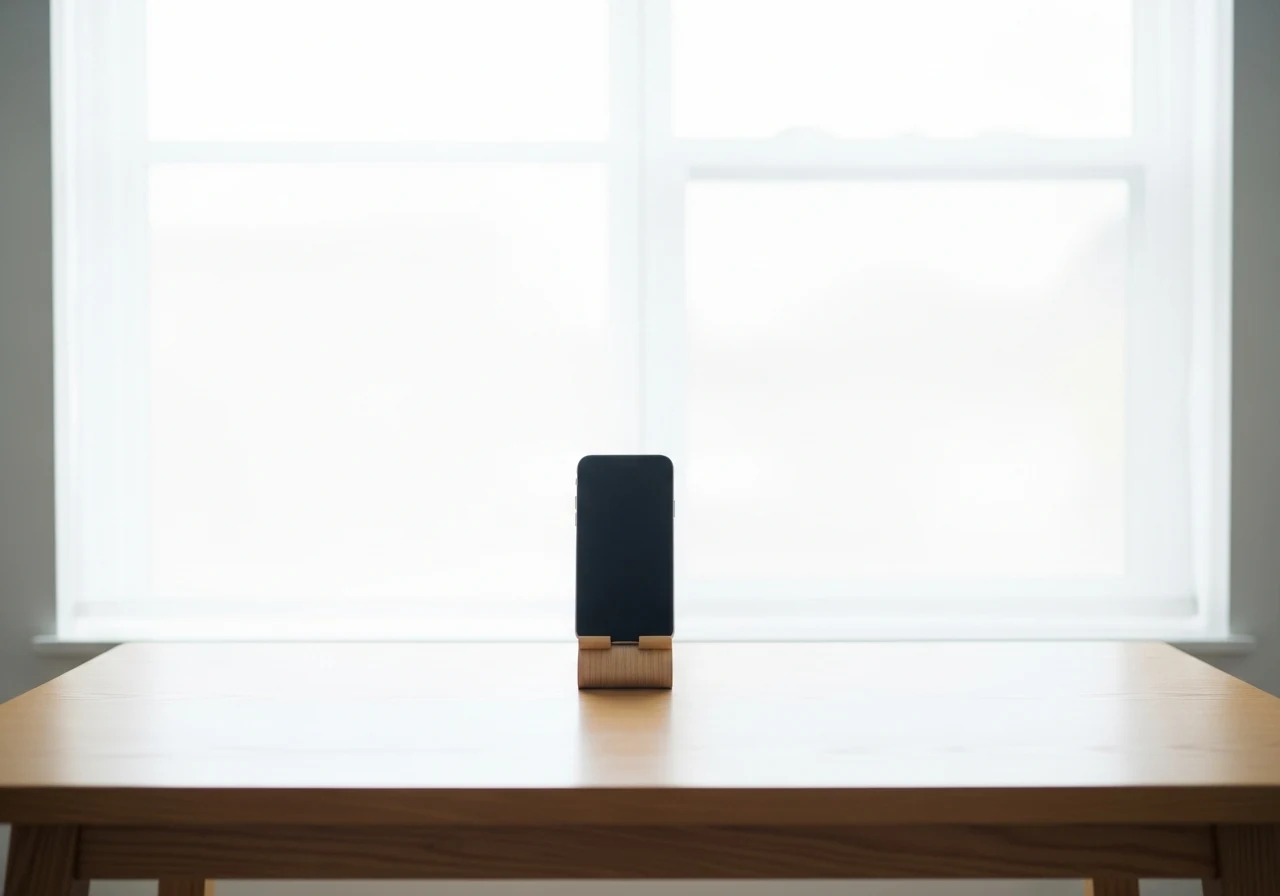
Use the rear camera
The selfie camera on most phones has a wider lens and a smaller sensor. Faces shot on it have noticeable barrel distortion at close range. Flip to the rear camera, prop the phone on something stable at eye level, and use the timer.
Aim for around 35-50mm equivalent
Most phones have a "1×" wide lens (around 24mm equivalent) and a "2×" or "3×" tele crop. The 2× crop on a modern iPhone or Pixel sits around 50mm equivalent — much kinder to faces. Avoid the 0.5× ultrawide for portraits, ever.
Light from the front
Stand facing a window during the day. The window is your softbox. If the window is behind you, your face will be in shadow and the camera will expose for the bright background — bad for the source photo.
Disable beauty filters
Some Android skins (Samsung, Xiaomi, Huawei) apply skin-smoothing or eye-enlarging by default. Turn it off in the camera settings before shooting. Filters bake into the JPEG and the AI inherits them.
Skip selfie sticks and group-photo mode
We need one face, sharply rendered, with natural perspective. Selfie sticks introduce barrel distortion plus tilt; group-photo modes do face-aware processing that softens skin.